Technical Guide
File Formats and Delivery: The Path to a Perfect Master
The quality of a final mix does not begin in the control room, but with the selection of file formats and the method of data delivery. In professional audio production in Salzburg, Barecatyra emphasizes a precise technical foundation to avoid artifacts and preserve the maximum dynamic range of your recording. A single error in export settings can lead to hours of rework or, in the worst case, compromise the sonic fidelity of your work.
Choosing the Right File Format
For professional processing in our studio, we use exclusively uncompressed formats. The industry standard is the WAV file. Unlike MP3 files, where information is removed via lossy compression, WAV preserves the entire waveform. This is essential for our Mixing & Mastering services, as compression artifacts become clearly audible during later volume boosts or EQ adjustments.
AIFF is also an accepted format, although it offers no technical advantage over WAV. We strongly advise against submitting already compressed files for processing, as "converting" them back into a high-resolution format cannot restore the lost data. The integrity of the signal must be maintained from the very first moment of the project.
Sample Rate and Bit Depth: Technical Foundations
The sample rate determines the frequency range that can be captured. While 44.1 kHz is the standard for CDs, we often work with 48 kHz or 96 kHz in Salzburg to ensure higher precision during editing. A higher sample rate also reduces aliasing effects during complex digital processes such as pitch-shifting or intensive saturation.
Even more critical is the bit depth. We recommend 24-bit for all deliveries. This provides a significantly larger dynamic range than 16-bit and prevents quantization errors, especially when tracks in the mix need to be raised significantly. 32-bit float files are also welcome, as they technically make clipping within the file nearly impossible, providing a safety margin for level management.
Correct Preparation of Multitracks (Stems)
When sending your session for processing, a clear structure is decisive. Each instrument should be on its own track (e.g., Kick, Snare, Lead Vocals, Backing Vocals). Please export the tracks "consolidated," meaning all files must start at the exact same starting point, regardless of when the instrument actually enters the song.
Files that begin in the middle of a song lead to synchronization problems in the DAW (Digital Audio Workstation). Name the tracks clearly (e.g., "Vocals_Main_Dry" instead of "Audio_01"), so our team in Salzburg knows immediately which track serves which function in the arrangement. This streamlines the workflow and reduces unnecessary back-and-forth during the production phase.
File Export Checklist
| Parameter | Recommendation | Strictly Required |
|---|---|---|
| Format | WAV / AIFF | Uncompressed |
| Bit Depth | 24 Bit or 32 Bit Float | Minimum 16 Bit |
| Sample Rate | 48 kHz or 96 kHz | Consistent across all tracks |
| Start Point | All tracks at 0:00 | Synchronous start |
| Effects | Dry (no reverb/delay) | No limiter on individual tracks |
Secure Delivery Methods in Salzburg
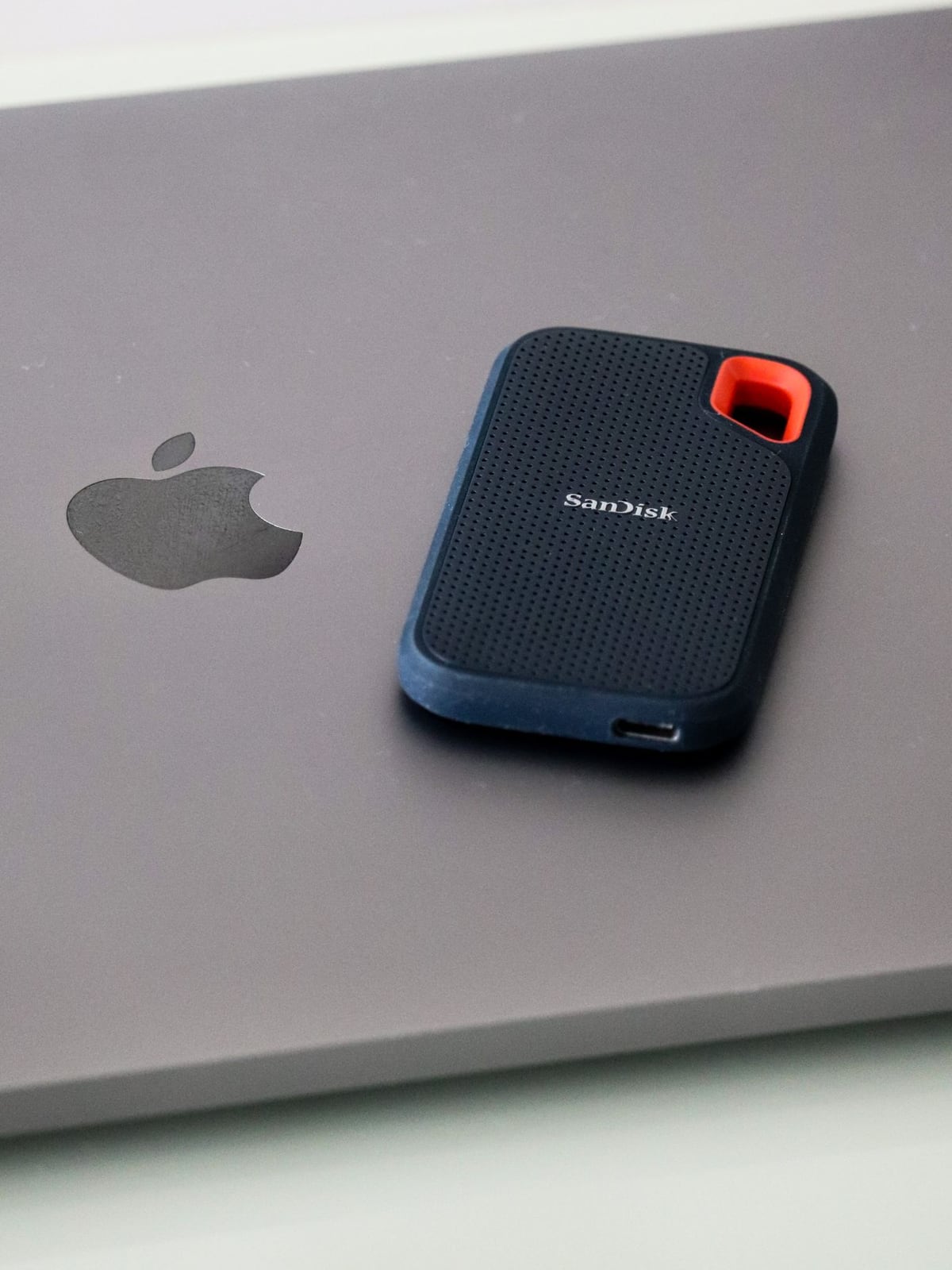
Due to the enormous amount of data involved in high-resolution multitracks, emails are unsuitable. We offer two primary delivery methods. For clients from the Salzburg region, physical delivery via SSD or USB stick at our studio in Getreidegasse is the safest and fastest method. This avoids long upload times and potential transmission errors that can occur with unstable internet connections.
Alternatively, we use professional cloud transfer services. We recommend WeTransfer or Dropbox. Please ensure that the files are bundled into a single ZIP or RAR archive to prevent the loss of individual tracks during the download process. A clear folder structure within the archive helps us import the session correctly and immediately.
Handling Effects and Plugins
A common question is whether effects like reverb or delay should already be on the tracks. Our recommendation: send us the "Dry" tracks. This gives us full control over the spatial sound in the mix and allows for more precise placement of instruments in the stereo field. However, if an effect is an integral part of the sound (e.g., a specific guitar amp or a characteristic distortion plugin), please send us both the dry track and a version with the effect ("Wet").
Avoid placing limiters or hard compressors on individual tracks, as these destroy the dynamics required for high-quality mastering. We need the natural level curve to make optimal decisions regarding compression and saturation.
Local Specifics and Support
In the music scene of Salzburg and Austria, we place great value on long-term archiving. According to our business rules, we store your session data in our archive for 24 months. However, we recommend that you always keep your own backup copy of the delivered files on an external medium, as the responsibility for primary backup lies with the creator.
If you are unsure whether your exports are correct, we offer a brief technical check of your files before the actual production begins. This ensures that studio time is used efficiently and that no technical hurdles slow down the creative process.
Further Information
Correct file preparation is only one part of the process. If you are still at the beginning of your production, read our guide on Preparing for Your Recording to establish the necessary technical conditions during the recording phase.
Do you have specific questions about your project or need assistance exporting your session? Simply contact us. We are happy to help you implement your vision with technical precision.